
Save Contact: The Button That Gets You Into Someone's Phone
A link gets opened once. A saved contact stays. Here is why the vCard still matters, and how to make yours worth saving.

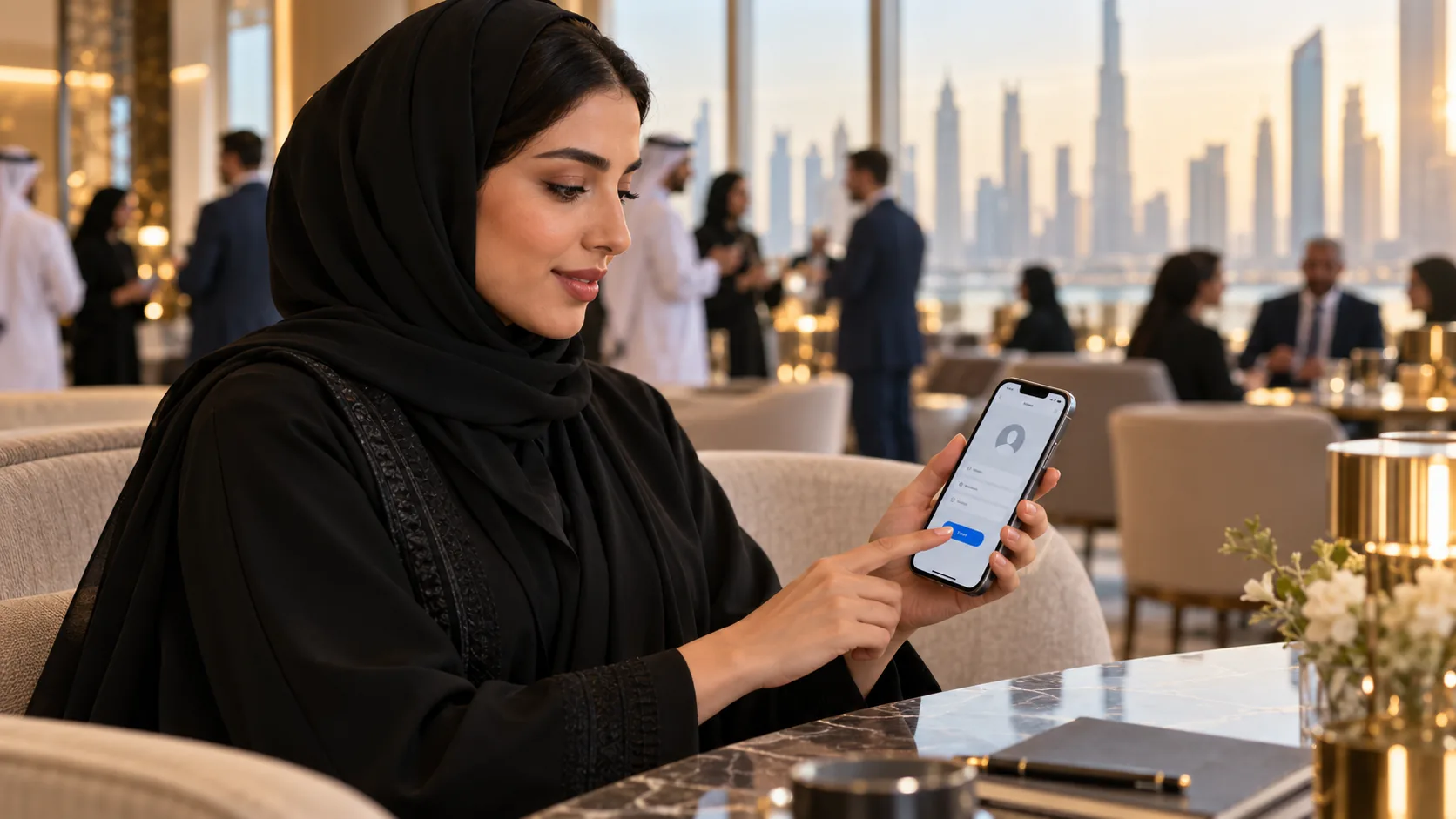
You have just met someone. They scan your code, your profile opens, they nod, and they put the phone away.
Where are you now?
In a browser tab. Somewhere between their airline booking and a news article. The next time they open that browser, the tab will be closed along with the others, and you will be gone.
That is the quiet weakness of every link: it is opened once. What people keep is what goes into their contacts.
The Contact List Is the Real Address Book
When someone wants to reach you in three months, they will not search their browser history. They will open their contacts, or type your name into WhatsApp, which reads from the same list.
If you are not in there, you are not reachable. It does not matter how good your profile looked.
So the most valuable thing a digital card can do is not to look impressive. It is to put you into that list, correctly, in one tap.
What a vCard Actually Is
A vCard is a small, plain file format for contact details, and it is older than most smartphones. That is its strength: every phone understands it. Open one and the phone offers to create a contact with the fields already filled in.
A good one carries:
Your name, spelled the way you want it saved.
Your photo, so the contact has a face when you message.
The numbers and addresses you actually want used.
Your links, so your website or LinkedIn travels with the contact.
A short note, usually your one-line bio.
Compare that with what happens without one: the other person types your name from memory, misspells it, saves a number with no surname, and in a month cannot tell you apart from the other Ahmad they met that week.
Why the Photo Matters More Than You Think
In the Gulf, much of business runs through WhatsApp, and WhatsApp shows the name and picture from the phone's contacts.
A contact saved with your photo means your next message arrives with your face on it. The other person places you instantly. A contact saved as a bare number means your message arrives from a stranger, and messages from strangers wait.
Make Yours Worth Saving
The Save Contact button only helps if what it saves is right. Before your next event, check four things.
Your name. Is it the version people will search for? If colleagues know you as Abu Khalid or by a shortened first name, put the formal name in the name field and mention the other in your bio.
Your number. Is it the one you want business calls on? Once it is in someone's phone, it stays there long after you change your mind.
Your photo. Is it recent, and does it read as you at the size of a thumbnail?
Your note. One line that says what you do. It is what they will read when they scroll past your name and wonder who you are.
Ask for the Save, Not the Follow
People have learned to say "follow me". It is the wrong request at a meeting.
A follow puts you into a feed, among hundreds of accounts, where an algorithm decides whether they see you again. A saved contact puts you into the one list they use every day.
So when someone scans your code, say it plainly: "Tap Save Contact, and I am in your phone." It takes two seconds, and it is the difference between being findable and being a closed tab.
How It Works on POPINID
Every POPINID profile has a Save Contact button. It builds a vCard from your profile as it is at that moment: your name, photo, bio, numbers, email and links, plus the link to your profile itself.
That last detail matters. The contact details are a snapshot, but the profile link inside them always opens your live card, so someone who saved you in January and taps it in June sees your current role.