
NFC or QR: What Actually Works When You Hand Over a Card
Tapping looks impressive. Scanning always works. Here is when each one is the right choice.

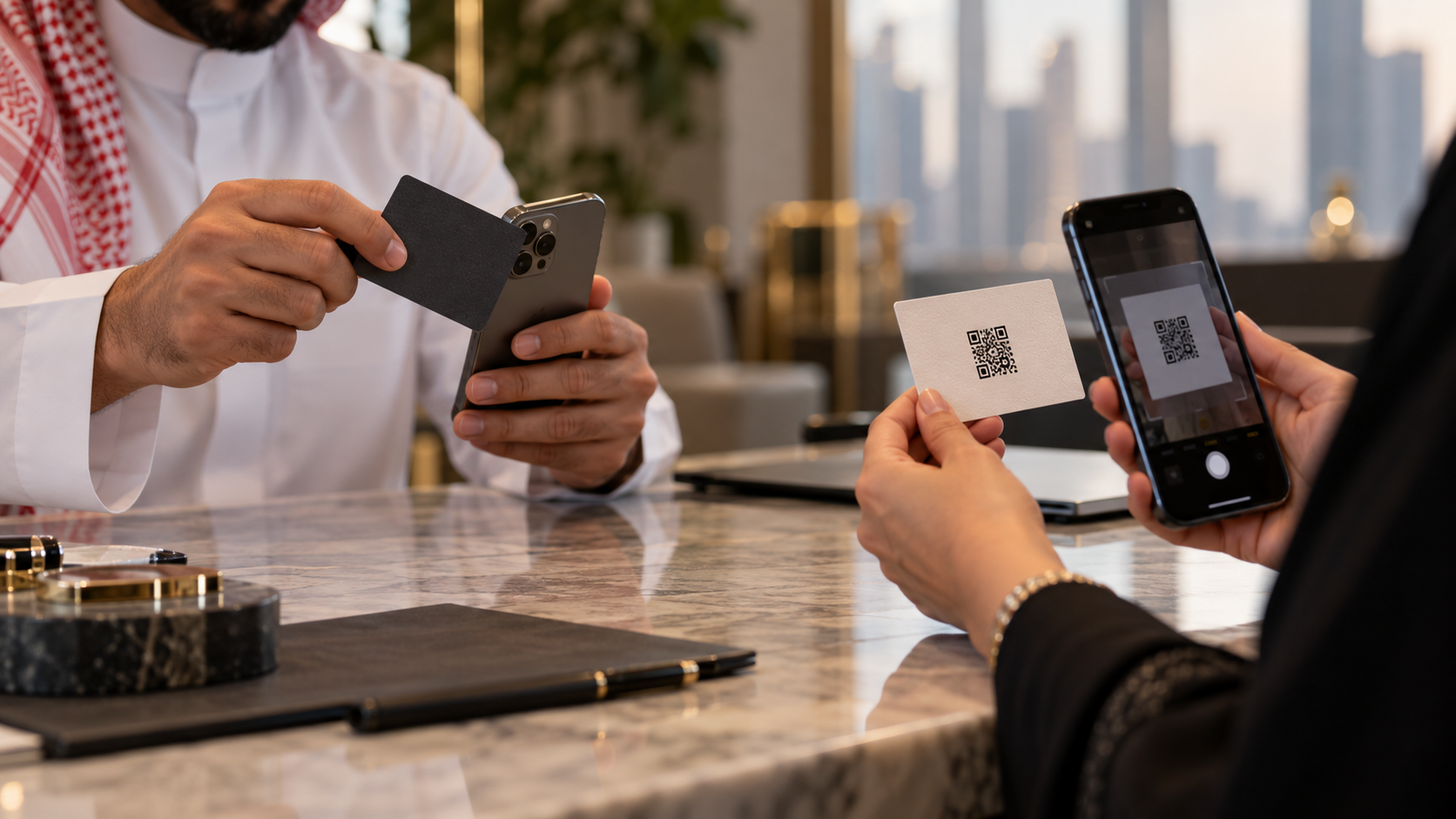
A partner meeting in Kuwait City, four people around a table. You take out a thick matte card, tap it against a phone, and the other person's screen lights up with your profile. It is a good moment.
Now the other version. You tap. Nothing happens. You tap again, slower, in a different spot on the back of their phone. They ask if it needs an app. Someone offers to type your name into Google instead.
Both of these happen, and which one you get depends almost entirely on the phone in the other person's hand. This is a practical comparison of NFC and QR for handing over a card, and what to carry.
How Each One Works
NFC puts a tiny chip in the card. Held within a couple of centimetres of a phone's reader, the chip passes over a short piece of data, almost always a link. The phone shows a banner, the person taps it, and your page opens.
A QR code is a printed pattern that encodes the same link. The other person points their camera at it and taps the notification.
In both cases, the thing being transferred is a link. Everything else about your card lives on the page behind it.
What Each One Needs From the Other Person's Phone
This is where the difference lives.
NFC needs a supported, unlocked phone, and the reader in the right place. Apple's own support page lists automatic NFC tag reading on iPhone XR, XS, SE second generation and later. On iPhone 7, 7 Plus, 8, 8 Plus and X, the person must first turn on the NFC Tag Reader in Control Center. Most current Android phones read tags, but NFC can be switched off, and on both platforms the antenna sits in a different spot on different models, usually near the top of the back, which is why the second tap is often the one that works. A thick case can add another failed attempt.
A QR code needs a camera. That is the whole list. Every phone sold in the last decade can do it, most read codes straight from the camera app, and it works from half a metre away.
The Honest Scorecard
Speed, when it works. NFC wins. A tap is faster than raising a camera.
Reliability. QR wins, and it is not close. It has no supported-model list, nothing to enable, and no antenna to find.
Distance. QR wins. A code works across a table, from a screen at the front of a room, or from a poster. NFC needs contact.
Cost. QR wins. It is ink. NFC cards are printed and chipped, and a batch costs real money.
Where it can live. QR wins. A code works on a card, a badge, a slide, an invoice, a shop window or your phone's lock screen. NFC needs a physical object with a chip in it.
How it feels. NFC wins. There is a reason people remember the tap.
The Part Nobody Mentions: What Is On the Chip
An NFC card is only as flexible as what was written to it.
The chips used in cards are small. NXP's NTAG213, NTAG215 and NTAG216, the common family, hold 144, 504 and 888 bytes of user memory. That is plenty for a link and nothing like enough for a career.
So there are two ways a card is programmed:
With your details written directly onto the chip. Change your number and the card is now wrong, exactly like printed ink.
With a link to a page you control. Change anything on the page and every card you ever handed out is current again.
The second is the only version worth buying. The same logic applies to the QR code on the card: it should hold a short link you can repoint, not a long address that will one day break. We wrote about that in Never Print a Link You Might Change.
What to Actually Carry
Your phone, with your profile a tap away. The most common handover today is not a card at all. It is showing someone a QR code on your own screen, or sending your link in WhatsApp while you are still talking.
A printed card with a QR code, if you work in settings where cards are still exchanged. In much of the Gulf, they are.
An NFC card as well, if you want the moment. It is a good one, and when it works it is the fastest handover there is. Just never let it be the only way to reach you.
The rule is simple: the impressive method can fail, so the reliable one has to be on the same piece of card.
How This Works on POPINID
Your POPINID profile is one link, and both methods point at it.
The dashboard generates a dynamic QR code on a popon.id short link, which you can restyle, repoint and download as PNG or SVG for your printer.
Because the QR points at a link you control, any NFC card you buy can be programmed with that same link, so the tap and the scan land in the same place and stay current together.
Your profile holds phone, WhatsApp, website and social links, and a Save Contact button that writes straight into the other person's phone.
One page, two ways in, nothing to reprint when your role changes.
QR Code is a registered trademark of DENSO WAVE INCORPORATED.
Sources cited in this piece:
Apple Support, Models that support NFC Tag Reader, iPhone User Guide
NXP Semiconductors, NTAG213/215/216: NFC Forum Type 2 Tag Compliant IC with 144/504/888 Bytes User Memory